
Signed-off template
Know whether the repeating roster actually hits the profile you signed off.
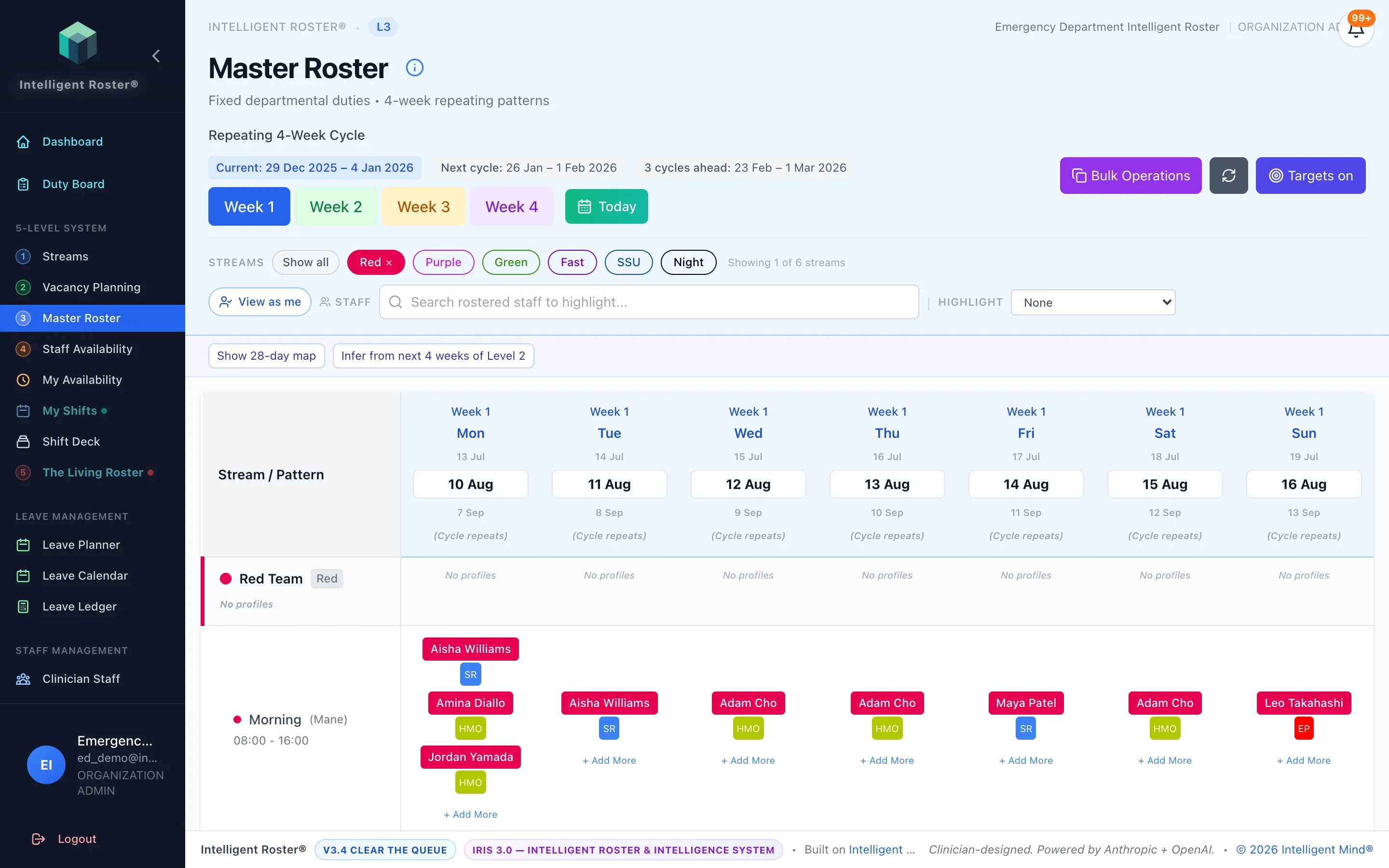
See assigned versus required on the repeating Master Roster — weekday, weekend, and surge profiles on a 28-day map — before you apply it to the living fortnight.
AUD $99/month ($1,188/year) · USD $65/month ($780/year)
Colour-coded assigned versus required
Every cell can show how the people already on the template compare with the staffing profile for that stream and day — not a separate spreadsheet.
28-day cycle map
Weekday, weekend, and surge templates on one map so planners can see the shape of the month, not only Week 1 Monday.
Toggle when you need it
Turn Targets on to inspect the overlay; turn it off for an assignment-only grid. The Master Roster itself does not change.
What you keep
- The vacancy profiles your service has configured
- Whether Targets is on for a given planning session
- The decision to apply the template into the Living Roster
- Human review before publish
Questions services ask
- Is this the same as IRIS Generate?
- No. Targets overlay your Level 2 profiles on the repeating Master Roster. IRIS Generate and Fill Gaps still build the living fortnight from Levels 1–4, with you in control of review and publish.
- Does it claim Safe Patient Care or NHPPD ratios?
- No. It shows assigned versus the vacancy profiles your organisation has configured. Clinical ratio legislation is your policy — the module does not interpret it.
- How is it enabled?
- Hospital-wide at AUD $99/month or USD $65/month on Starter, Standard, and Premium. Enterprise and Horizon include it. After you contact us, a platform grant is issued and your organisation admin enables Master Roster Targets. Already-enabled organisations keep it on their current invoice until they ask to move onto the published price.
See how an ED-first roster platform works.
From emergency departments to whole health services — and the ED-like teams beyond them.