
My Opportunities on the Living Roster (Staff View)
My Opportunities on Staff View
My Opportunities is a toolbar toggle on The Living Roster when you switch to the Staff tab. It surfaces everything you can act on in the next few weeks — without opening Shift Deck separately.
Tooltip when off: Show eligible open shifts, swaps, and my pending requests (next 4 weeks). When on, the button reads Opportunities On.
How to turn it on
- Go to The Living Roster (Sidebar → The Living Roster)
- Switch to the Staff tab (view-mode toggle on the toolbar)
- Click My Opportunities — the button changes to Opportunities On when active
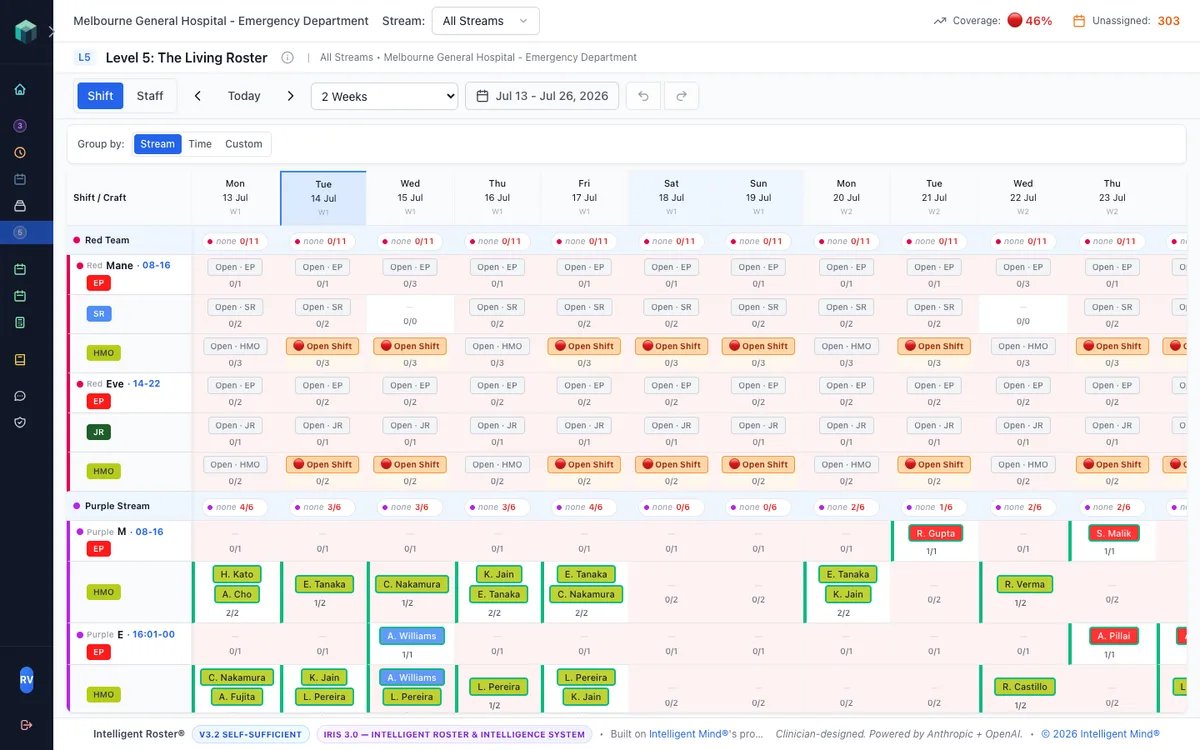
The list respects your current stream selection and shows items for roughly the next four weeks (28 days) from the grid's start date. Markers appear only on your own row in the staff grid.
What you see on the grid
| Pill style | Label pattern | Meaning |
|---|---|---|
| Orange dashed border | Open · {stream} · {shift} {time} | Eligible open shift you can request |
| Teal dashed border | Swap · {stream} · {shift} {time} · {poster} | Open swap you can offer to cover |
| Pink solid border | Requested · … | Your pending open-shift request |
| Pink solid border | Swap Requested · … | Your pending swap offer |
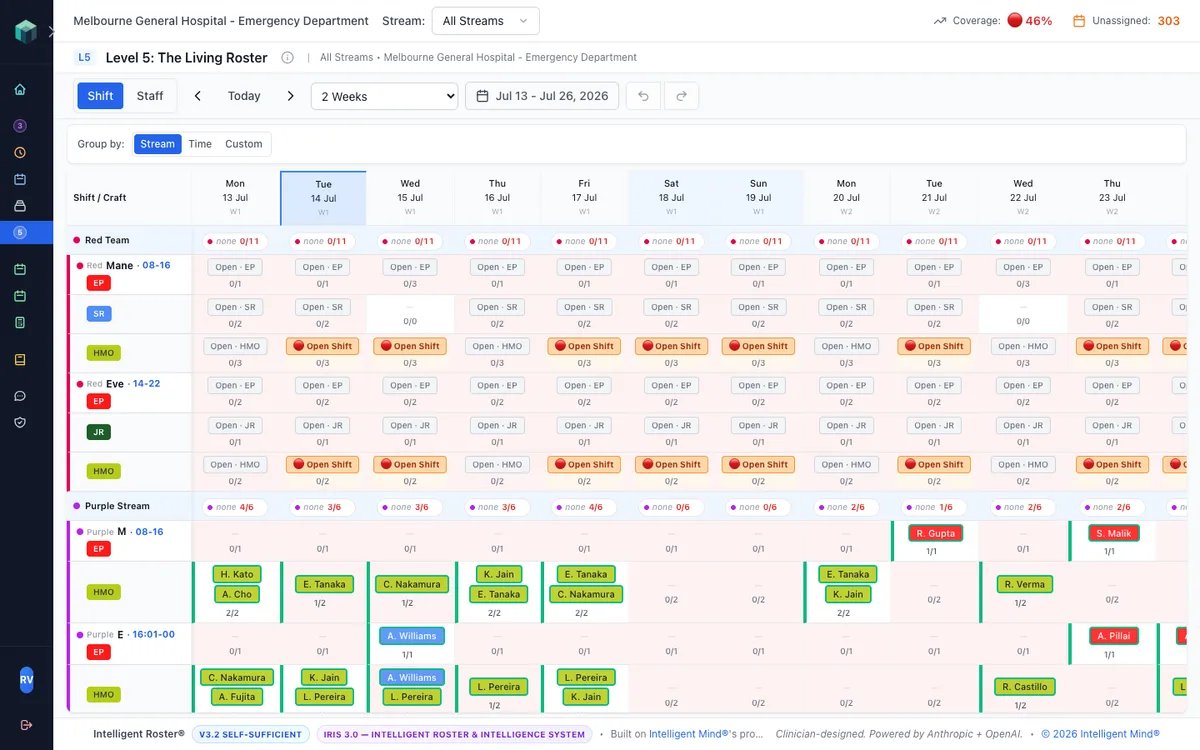
Click any pill to open the unified Opportunity modal.
The Opportunity modal
Open shift (not yet requested)
- Title: Request Open Shift
- Shows date, shift pattern, stream, craft group, required scopes, and a Fortnight hours impact bar
- IRIS compatibility score and any warnings (rest, hours, scope) load automatically
- Click Request This Shift to submit
Open swap (not yet offered)
- Title: Offer to Cover Swap
- Shows the shift your colleague wants covered, plus Posted by
- Fortnight impact bar and IRIS warnings as above
- Optionally add a short note (up to 500 characters), then click Offer to Cover
Pending request (already actioned)
- Title: Open Shift Request (Pending) or Swap Offer (Pending)
- Read-only — review status and details
- Withdraw from Shift Deck → My Requests or the My Requests overlay on My Shifts (the modal does not offer withdraw)
Tips
- My Opportunities complements Shift Deck — use whichever view you are already in. Shift Deck still lists all open shifts and approvals; this toggle is for spotting opportunities while browsing the roster grid.
- The same toggle exists on My Shifts under Show on calendar — see How to View Your Shifts.
- If you see no markers, you may have no eligible shifts in the current stream/date window, or opportunities are turned off.
- After IRIS Generate or Fill Gaps, check Shift Deck → My Requests for approved or declined outcomes on shifts you requested.
Related guides
- How to Request an Open Shift — Shift Deck and My Shifts paths
- How to Respond to a Shift Swap — offer to cover via Shift Deck
- Shift Swaps and Open Shifts — Overview — three pathways compared
- How to View Your Shifts — calendar overlays including My Requests
- Understanding Swap and Open Shift Statuses
- Cancel or Withdraw a Swap or Open Shift Request